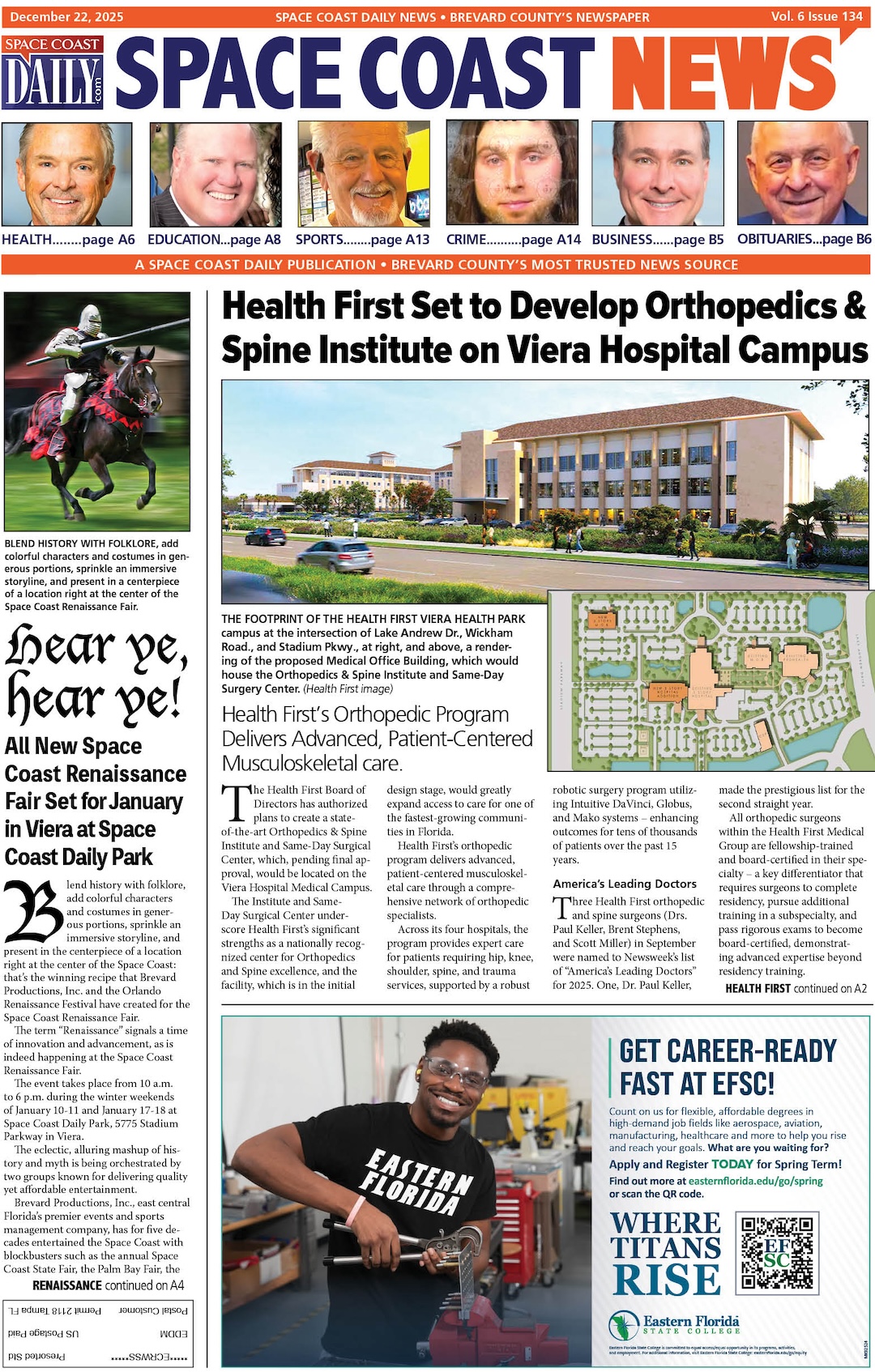
Why InDesign Templates Are Essential for Fast, Professional Design Work
By Space Coast Daily // June 25, 2025

Professionalism and effectiveness go hand in hand in the design world. It can be a stubborn balancing act for designers to preserve their creativity while committing to the hard work of tight deadlines. Enter InDesign templates, your not-so-secret weapon. These templates allow for the rapid creation of great designs with minimum time and effort, enabling designers to focus on designing rather than repetitively working on templates.
Simplifying the Design Process
Efficiency is important in every design project. InDesign templates are a great way to improve workflows. With their pre-defined layouts, styles, and elements, such templates prepare designers so they don’t have to start the project from scratch. This enables a rapid and seamless transition from concept to execution. Templates reduce the time spent on formatting and allow designers to focus on the creative aspects of design.
Consistency Across Features
Brand identity is essential for ensuring a unified look and feel across many projects. Using InDesign templates guarantees consistency because you are repeating a standard pattern. Templates allow designers to repeat work that has previously been successful (e.g., a solid layout or style) and embed it into each project so that they all look and feel the same (similar to the brand). This consistency reinforces brand identity while leaving a professional impression on clients and audiences.
Personalization and Adaptability
Templates offer a foundation to start easily, but allow plenty of room to customize. Designers can change templates as per the requirements of each project. Templates can be fitted to your vision by changing colors, fonts, and imagery as the major ones. By using the 4–6 layout types, this balance gives you the freedom to build on designs that are tailored to your brand while speeding up solutions with pre-made options.
Enhanced Collaboration
In collaborative environments, templates become the team’s lingua franca. Having the same format guarantees that everyone knows what to expect, reducing communication errors, miscommunication, or even mistakes. It also allows team members to quickly share and adjust templates, keeping the process seamless. A common understanding is key to making the work more productive and allowing different people to work on it without problems.
Tailoring to Different Scenarios
The scope of design projects can be very diverse, which is why there are so many types of InDesign templates. Templates also offer the flexibility to adjust to different formats, whether brochures, newsletters, or digital space. By allowing designers to choose templates that are most appropriate for the goals and audience of each project, relevance and effectiveness are ensured.
Saving Time and Resources
Time is the most expensive commodity when it comes to design. InDesign templates are designed not to waste time doing anything that has to be repetitive. Instead of doing coordinated footwork for every new project, designers can use templates that eliminate the need to start from scratch. As a result, both time and time-related expense costs are saved. Additionally, designers can spend more time perfecting the creative elements when they focus on utilizing fewer resources.
Enhanced Satisfaction With Clients
At the end of the day, every design project exists to fulfill the client’s standards. InDesign templates help achieve this goal by providing on-time, high-quality design inspiration. Templates give professionalism and consistency to the work, and clients love them. Specifically, templates offer a foundation that allows designers to go above and beyond when working to meet or exceed client expectations through innovation and creativity, helping to build a more productive relationship of trust with the client.
In collaborative environments, templates become the team’s lingua franca. Having the same format guarantees that everyone knows what to expect, reducing communication errors, miscommunication, or even mistakes. It also allows team members to quickly share and adjust templates, keeping the process seamless. Staying informed through design news and updates also helps teams stay aligned with current industry standards and creative expectations.
Conclusion
InDesign templates are a must-have for every designer of our time. They provide a balance of speed, consistency, and customizability. Templates make designers more efficient in dealing with industry demands by streamlining processes, reinforcing branding consistency, and improving collaboration. Ultimately, these templates improve your output design work and play a massive role in the satisfaction and complete victory of the clients in competitive design. Using InDesign templates is a strategic move that redefines design challenges into an opportunity to express your creativity and growth.